



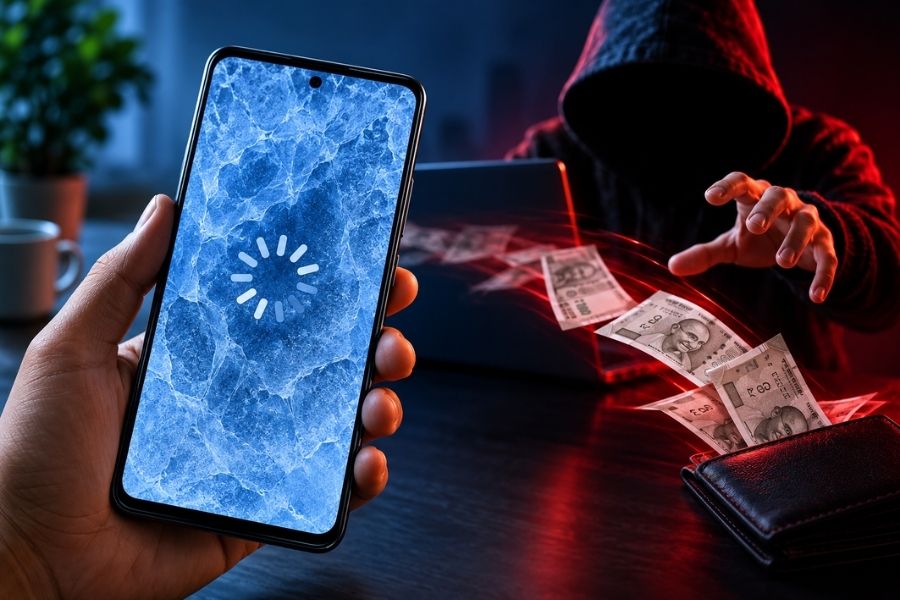
Frozen Screen UPI Scam


A phone screen freezing unexpectedly may appear to be a harmless technical issue. However, cybersecurity experts are warning that in some cases it could be the opening step in a sophisticated online fraud scheme known as the “Frozen Screen UPI Scam.”

According to cybersecurity experts, the scam often begins when a user clicks on an unfamiliar advertisement, suspicious link or fake pop-up.
Shortly afterwards, the phone may freeze or behave abnormally. While the frozen screen itself may not be malicious, fraudsters exploit the confusion and panic that follows. Victims may then receive calls or messages from individuals claiming to be technical support representatives.
The fraudsters typically persuade users to download and install an APK file, claiming it will fix the issue, verify an account or unlock a reward.
Once installed, the malicious application may request permissions such as screen sharing, remote access or accessibility controls. This can potentially allow criminals to monitor banking activity, access sensitive information and target UPI-linked accounts.
Experts stress that a frozen phone screen alone is not proof of a cyberattack. Software bugs, memory issues and routine technical problems can all cause a device to become temporarily unresponsive.
The warning signs emerge when the freeze follows an unknown link click and is accompanied by suspicious requests to install apps or share information.
Cybersecurity professionals recommend:
The Frozen Screen UPI Scam highlights a common pattern in cybercrime: exploiting human panic rather than purely technical vulnerabilities.
By remaining calm, verifying information and avoiding unofficial app downloads, users can significantly reduce the risk of becoming victims of online financial fraud.









© Copyright 2026, cloudTV. All Rights Reserved